




Blocky Blast
Blocky Blast
Recommended games




Embed




About Blocky Blast
Blocky Blast is a lighter, easier take on Block Blast: the same core idea—place block shapes on a grid and clear full rows and columns—but with a gentler learning curve and extra helpers in Classic mode. The game includes audio for a more satisfying session, and you can choose how you want to play.
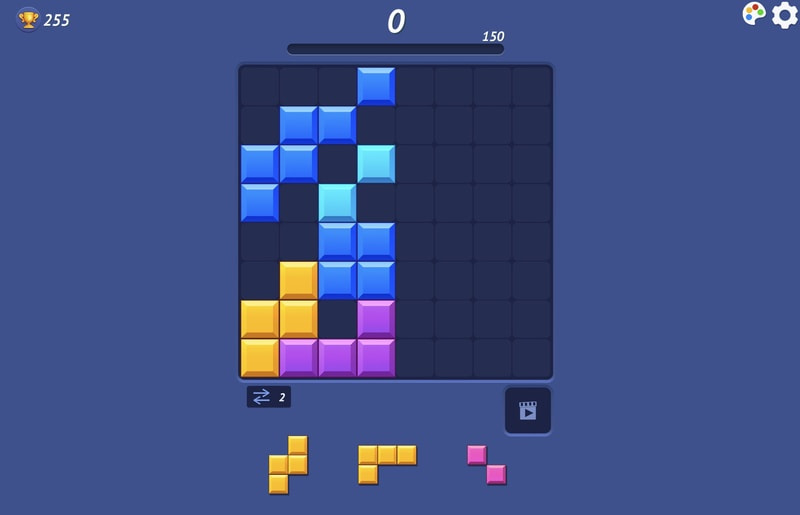
Game Modes
- Classic: The relaxed sandbox-style experience. You get three pieces at a time below the board and full access to refresh and stash tools.
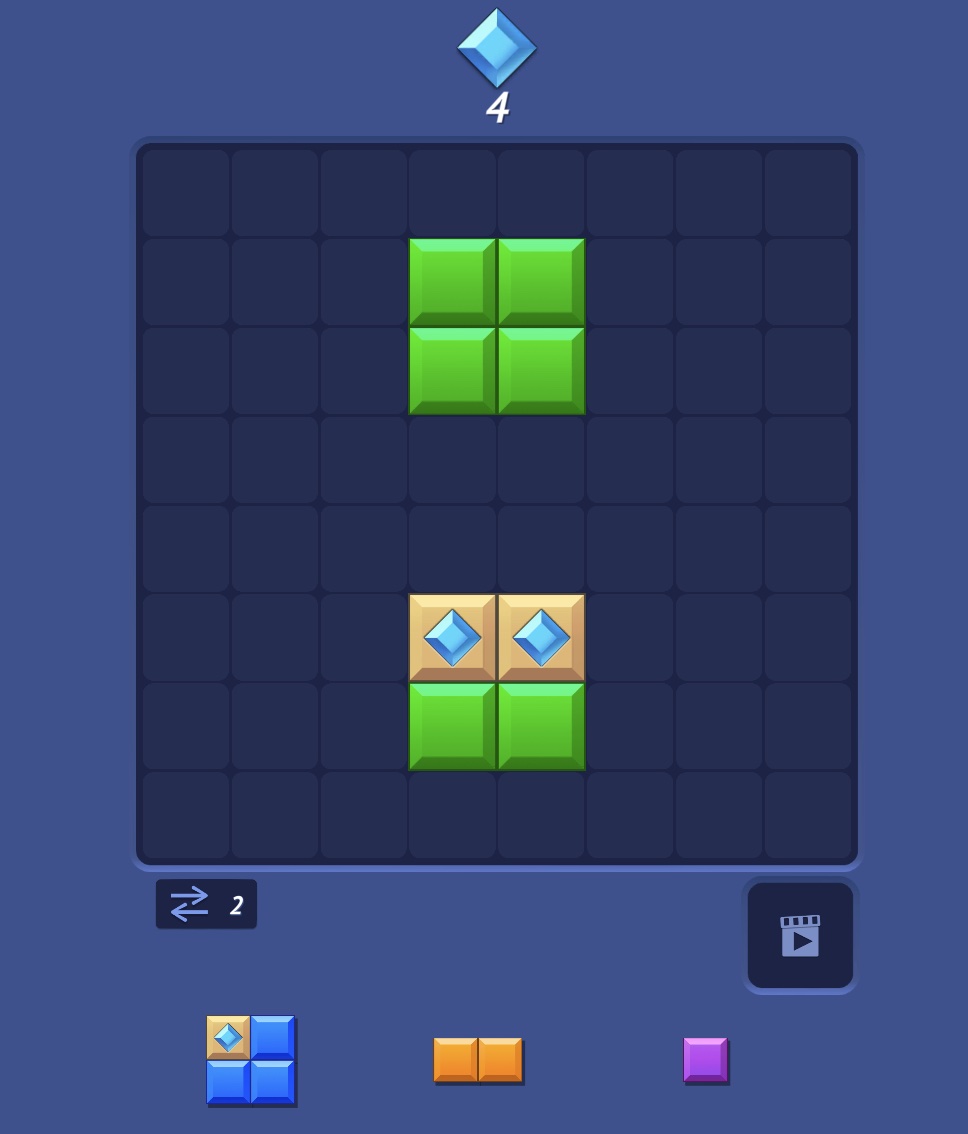
- Adventure: A structured way to play with its own progression and challenges—pick this when you want goals beyond a single endless run (see below).
Classic Mode: Refresh & Stash
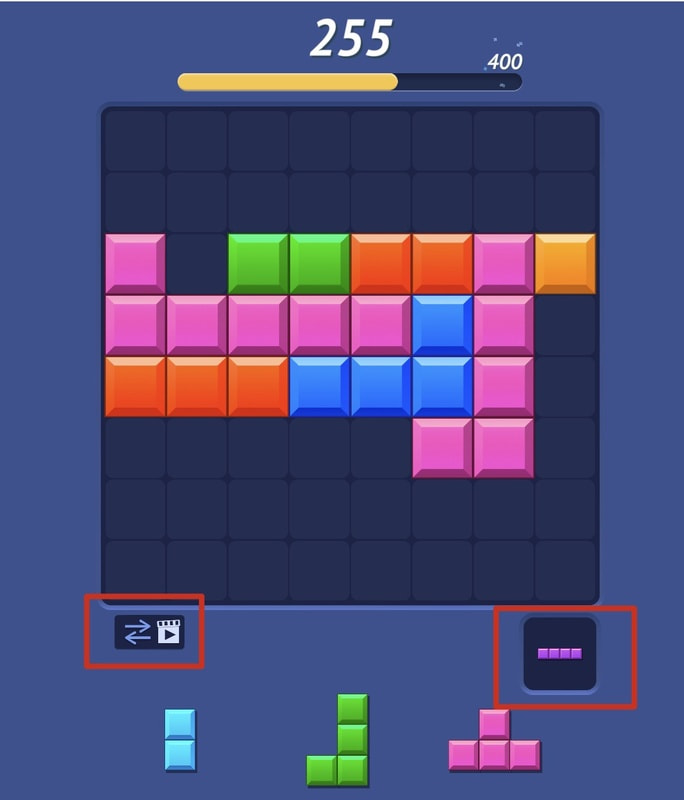
When the three shapes in your tray are a bad fit, you are not stuck:
- Refresh (lower left): Tap the refresh control to replace all three bottom pieces with a new set. Use it when none of the current shapes help—much friendlier than pure Block Blast where you must work with whatever arrives.
- Stash (lower right): A temporary hold slot. Move one piece into the stash to free the tray, then bring it back when the board opens up. It is ideal for parking an awkward large piece while you clear space with the others.
How to Play (Core Rules)
- Place pieces: Drag or tap shapes onto empty cells. Plan the order of your three active pieces together with the stash.
- Clear lines: Fill a full row or column edge to edge to clear it and score.
- Combos: Multiple lines in one placement usually pay bonus points; chains keep runs alive.
- Game over: When nothing left can be placed (and you have used your options), the round ends—Classic mode’s refresh and stash exist to reduce those dead ends.
Why Play Blocky Blast?
If you like block-grid puzzles but want sound, two modes, and Classic tools (refresh tray + stash), Blocky Blast is an approachable alternative. It runs in the browser on desktop or mobile with no install.
Controls
- Mouse: Click and drag pieces; use on-screen buttons for refresh and stash where shown.
- Touch: Drag pieces on phones and tablets; tap UI controls for refresh and stash.